What Is Double-Ender Recording, and Why Does It Sound So Much Better?
A plain-English explainer of the recording technique behind clean remote podcasts and interviews: what it is, why it matters, and when you actually need it.
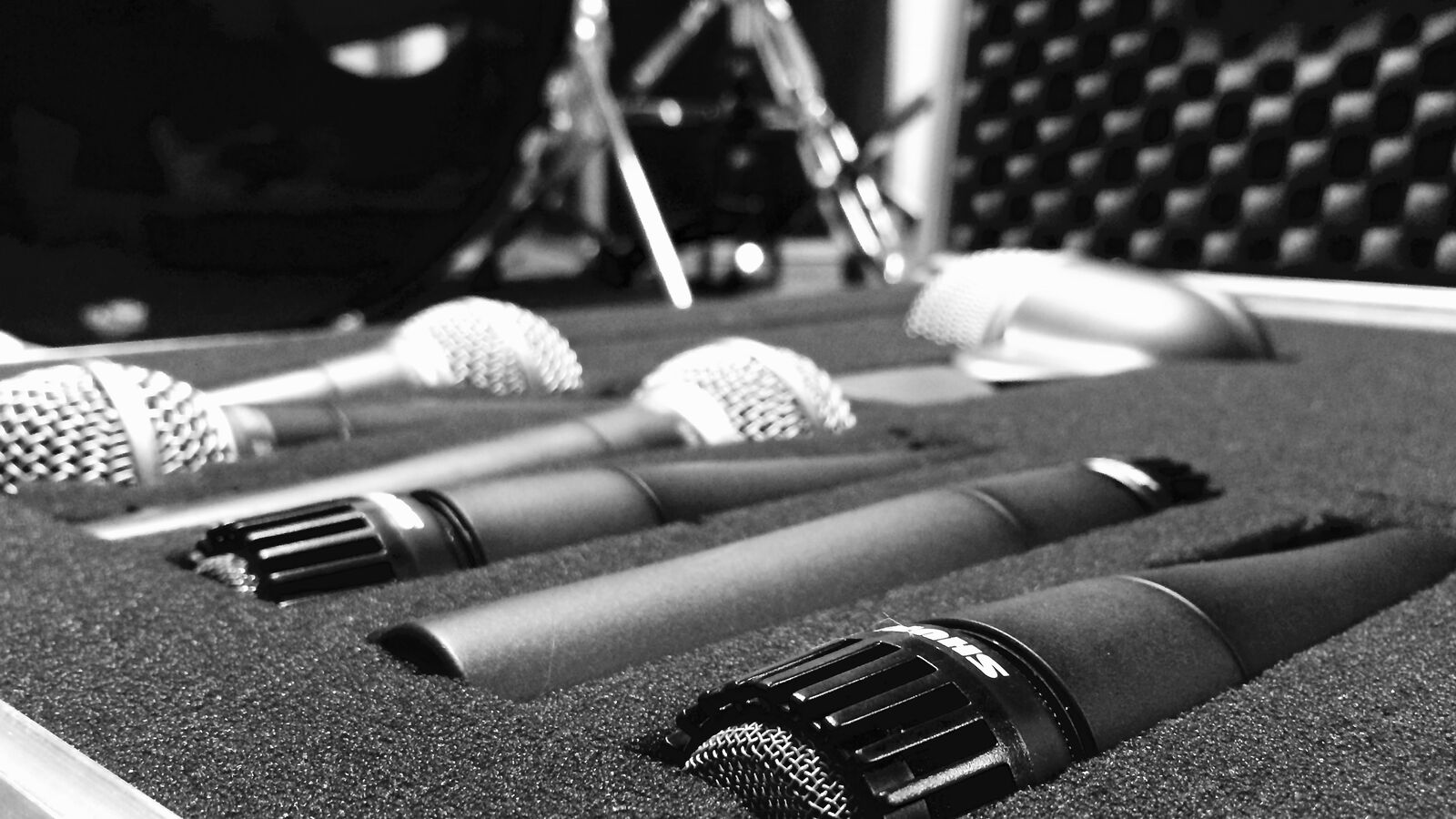
Photo: Franz Kreul, “Shure drum microphone set in the microphone case” · Wikimedia Commons · CC0 1.0 · cropped and resized
Double-ender recording, in one sentence
Double-ender recording is a technique where each participant in a remote conversation records their own audio (and often video) locally on their own device, in addition to or instead of recording the call itself. The host then collects all the local recordings and edits them together as separate tracks.
The term comes from radio and traditional broadcasting. "Single-ender" recordings happen on one end of the call. "Double-ender" recordings capture both ends, locally, at full quality. With more than two people on the call, the same idea is sometimes called a multi-ender, but the term "double-ender" is still used loosely for any same-pattern multi-track setup.
Why double-ender recordings sound so much better
The reason a double-ender sounds cleaner than a Zoom recording is not magic, and it is not just a fancier codec. It is that the audio never has to travel over the internet before being recorded.
In a normal video call, your voice goes from your microphone, into your computer, gets compressed for live transmission, travels over the public internet, lands on a server, gets compressed again, and then gets recorded. Every step adds artefacts and removes detail. In a double-ender, your audio is recorded directly from your microphone to your own device at full quality before any of that happens.
What you get out the other side
After a double-ender session, you end up with one audio file per participant (and often one video file per participant too). These are separate tracks, isolated, full-quality recordings of each person.
Separate tracks are what editors actually want. They let you:
Adjust each voice independently for volume, EQ, and noise reduction.
Edit out an interruption from one person without losing what the other person said.
Pull clean quotes for clips, social media, or research reports without other voices bleeding in.
Remove a coughing fit, a doorbell, or a backchannel "mhm" from a single track at a time.
Mix the final episode so it sounds like everyone is in the same studio.
A mixed-down meeting recording is one finished pancake. A double-ender hands you the eggs, flour, and milk separately and lets you cook whatever you want.
How modern browser tools handle double-enders automatically
Historically, double-ender recording was clunky. Each participant would record themselves in a local audio app like GarageBand, save the file, and email it to the host. Files got lost, levels were wrong, and people forgot to press record.
Modern browser-based recording tools have made the technique invisible. When you and your guest open a session in a tool like Airtape, the browser records each participant locally using the MediaRecorder API. The chunks are stored in IndexedDB on the local device and uploaded sequentially in the background. The host gets separate, source-quality tracks per participant without anyone manually managing files.
When you don't need a double-ender
Double-ender recording is not always the right tool. There are real cases where a simpler setup is fine:
Internal stand-ups, meetings, and team syncs: Speaker-separated meeting recordings from Zoom or Google Meet are more than enough.
Live broadcasts where latency matters more than archival quality. Tools designed for live radio prioritise extremely low latency over local recording.
Single-person recordings: If you are recording yourself for a tutorial, course, or sales video, there is only one end to record. Solo recorders like Airtape Solo cover this case directly.
Quick voice notes: A phone voice memo is fine for an idea you want to remember at the end of the day.
The moment a recording is going to be edited, clipped, published, or used as evidence for a research insight, double-ender becomes the right default.
Common questions about the technique
Two questions come up regularly when people first hear about double-enders.
First: "Does my guest need special equipment?" No. The whole point of modern browser-based double-ender tools is that the guest needs a browser, a microphone, and a link. Their built-in laptop mic is enough to test the setup; headphones and a USB mic make it better.
Second: "What if the guest forgets to upload?" This is the classic failure mode of old-school double-enders, where files lived on each guest's computer. Modern browser-based tools handle uploads in the background while the call is happening, so by the time the session ends, most or all of the data is already on the server. The remaining chunks finish uploading within a couple of minutes after the call.
Where to go from here
If "double-ender" was a new word an hour ago and now feels obvious, the practical next step is to try a recording with a real guest. Send the link a day in advance, do a thirty-second tech check, and notice how the source files sound compared to a Zoom recording of the same conversation.
Most people are surprised by how big the gap is. That gap is the whole reason podcasters, researchers, and journalists have quietly standardised on double-ender recording for anything that will end up in front of an audience.
Frequently asked questions
What is double-ender recording in simple terms?
Double-ender recording means each person in a remote conversation records their own audio locally on their own device, so the host ends up with one clean track per participant instead of a single mixed recording from the call.
Why do podcasters use double-ender recording?
Because it sounds dramatically better than a meeting recording. Local source files avoid the compression and dropouts of the live network, and separate tracks let editors clean up each voice independently for a polished final mix.
Is double-ender the same as multitrack recording?
Closely related but not identical. Multitrack recording is the general idea of recording multiple audio sources to separate tracks. A double-ender is specifically the technique of capturing each remote participant's audio locally on their own device, which results in clean multitrack files.
Do I need a separate app to do double-ender recording?
No. Modern browser-based tools like Airtape handle double-ender recording automatically. Each participant joins a session in their browser, audio and video are captured locally on their device, and the host receives separate tracks without any manual file handling.
Does double-ender recording need a good internet connection?
It needs a working connection for the live conversation, but the recording quality does not depend on it. Even if the network drops briefly, the local source files keep recording on each device and finish uploading once the connection comes back.
When should I not bother with a double-ender setup?
For internal meetings, quick syncs, or live broadcast workflows where latency matters more than archival quality, a standard meeting tool is fine. Double-ender shines whenever the recording will be edited, clipped, or published.

.jpg)