
.jpg)
How long should a remote podcast interview be?
Most interview episodes work best between 30 and 50 minutes after editing. Record a little longer than your target length so you have room to trim the slow parts.
Tutorial · May 19, 2026
A focused, step-by-step guide for the classic one-host, one-guest interview format. Prep the guest, run the conversation, and walk away with clean separate tracks.
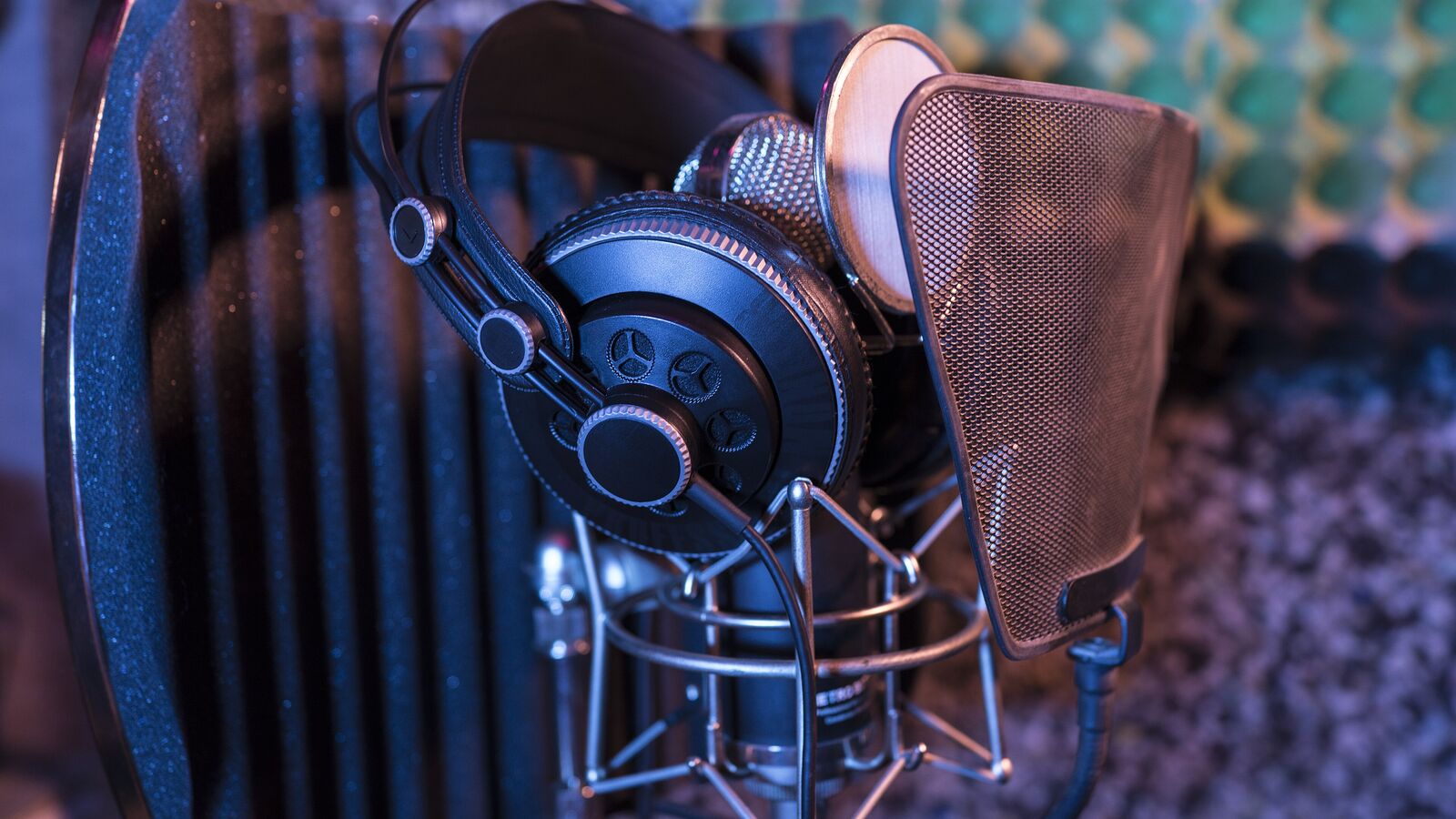
If you want to know how to record a podcast interview remotely, the technical layer is only half the answer. A two-person interview lives or dies on guest comfort, pacing, and a short list of decisions you make before the recording starts. The internet, the microphones, the platform; they matter, but they are the easy part.
A roundtable show can hide a quiet guest behind other voices. An interview cannot. If the guest is nervous, distracted, or struggling with their setup, the episode falls apart. Everything in this guide is built around that single asymmetry: your guest probably has not done this before, and it is on you to make it easy for them.
We will cover the prep checklist, the audio and platform setup, the conversation flow itself, and the post-production handoff. The aim is a 45-minute interview that sounds like it was recorded in a studio, with a guest who would happily come back.
Most interview problems are introduced days before the recording, not during it. A short, written prep cycle removes almost all of them.
You do not need a studio to record a great interview remotely. You need three things working together: a decent microphone, a quiet room, and a recording platform that captures each side locally.
Once prep and setup are done, the recording itself becomes a short, predictable sequence. The steps below assume Airtape, but the structure works on any local-recording platform.
Create the session in your browser, grant microphone and camera permissions, and confirm your levels look healthy. Walk in with one thing already working.
Small talk for two or three minutes. Ask about their day, the weather, the project they are most excited about right now. This is the warm-up; it lowers their shoulders before the real conversation.
Briefly mention that you are now starting to record, what the episode will cover, and roughly how long you will be talking. No surprises.
The opening question should be easy: their background, a recent project, why they care about the topic. Save the sharp questions for once they are warmed up.
The interviews that travel are the ones where the host actually responds to what the guest said. Use the anchor questions as a safety net, not a path.
If you or the guest stumble, just stop, take a breath, and restate the sentence. With separate tracks, your editor can lift the clean second take in seconds.
Ask a closing question, thank the guest on tape, and confirm where listeners can find them. Then stop the recording before you keep chatting.
Pacing is the single most underrated skill in interview podcasting. New hosts tend to fill every silence, interrupt good answers, and stack two questions on top of each other. Each of those habits costs you in the edit.
Leave a beat after the guest finishes a sentence. Half a second is often enough for them to add the most interesting part of their answer, the part they would have skipped if you had jumped in. Silence is not awkward when the audience cannot see it; it is just an edit point if you decide to remove it later.
When a guest says something striking, do not pivot to the next anchor question. Ask one follow-up. The follow-up is almost always more valuable than the planned question because it goes somewhere neither of you scripted.
End the session in the browser and let the platform finish uploading the local chunks. With Airtape, you will get separate audio files for the host and the guest, plus separate video tracks if you recorded video. You can generate a transcript from the recording on request; paid plans include a monthly transcription allowance.
Most interview episodes work best between 30 and 50 minutes after editing. Record a little longer than your target length so you have room to trim the slow parts.
Send four to six anchor questions, not a full script. That gives the guest enough context to prepare without locking the conversation into a Q-and-A format.
Whatever they already own, as long as it is not a laptop speaker. A USB microphone is ideal, wired earbuds with a microphone are a strong second, and a quiet room with headphones matters more than the microphone brand.
Record locally on each device, capture separate tracks, and edit each voice independently. Most of the flatness people hear in remote interviews comes from a single compressed mixed-down recording, not from the conversation.
No. Browser-based platforms like Airtape let the guest join with a single link and grant microphone permission. No account, no download, and no setup beyond clicking the link.